Sharing Positions is now much better in BackgammonDB
When you share a position, link previews (on places like Discord, Reddit, X and Facebook) will actually show a picture of the position and the analysis.
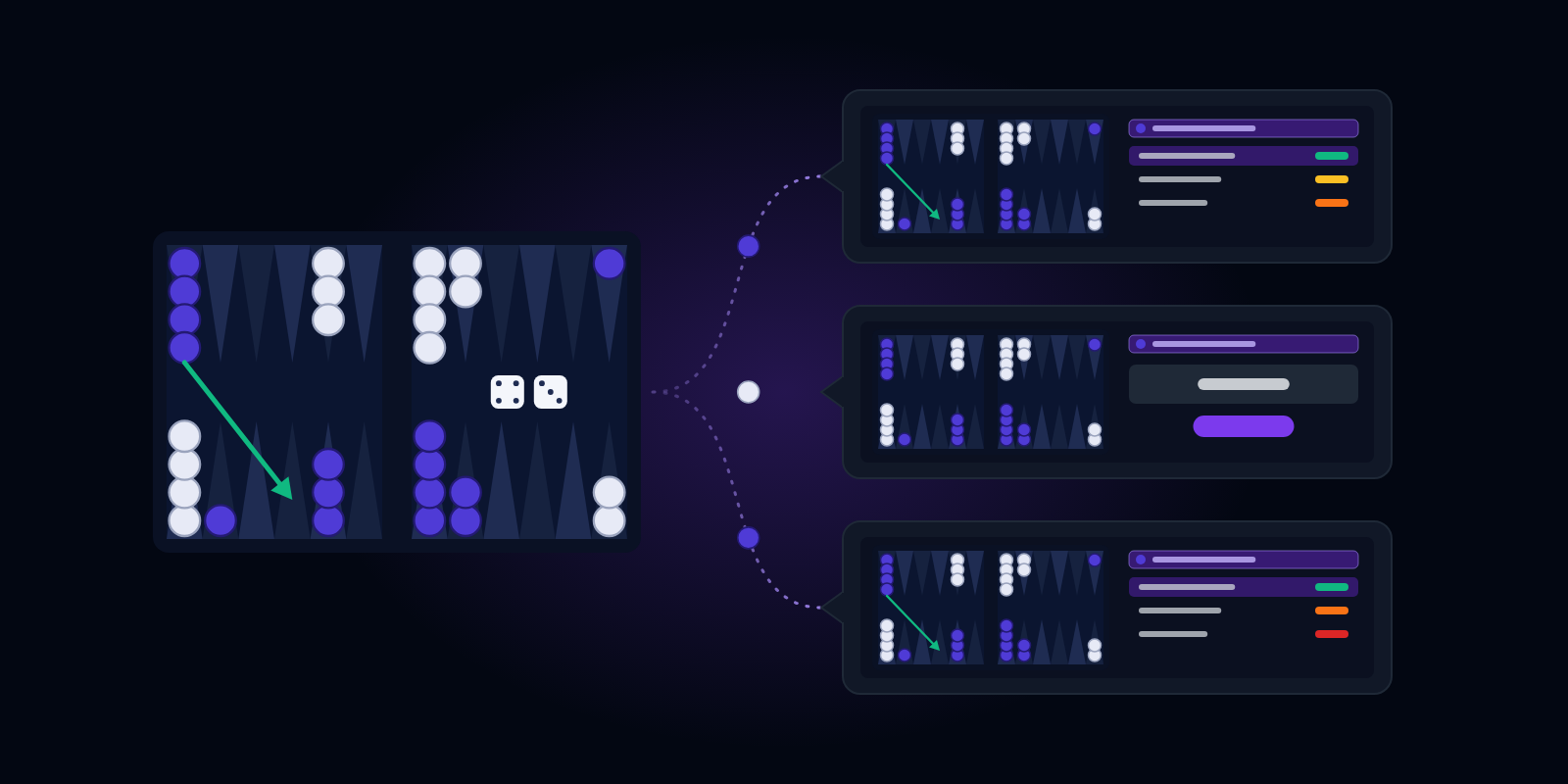
I've just deployed a cool new feature on BackgammonDB. When you share a link to any match position on social media, the Open Graph image will now show the position itself. That's the image that shows in link previews on platforms like Discord, X (Twitter), Facebook and Reddit, so you can see the position without clicking.
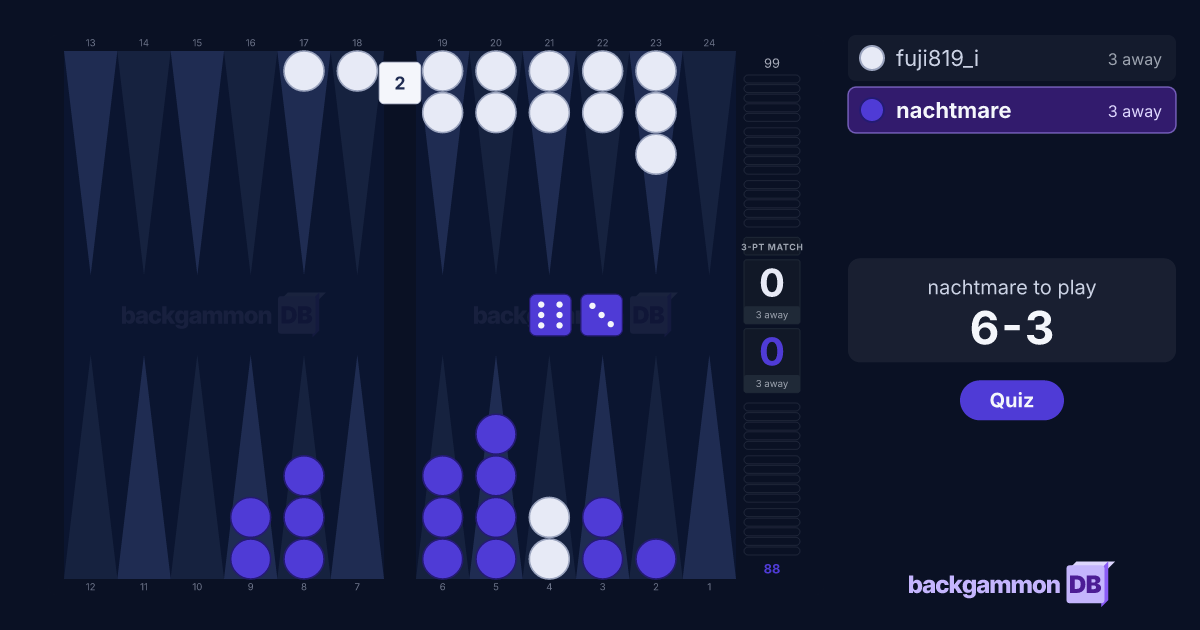
If you're just sharing a bare position with no analysis, then you'll see the board, score, players, dice, pip counts, and who's on roll. If you share a position with analysis, you'll see the the top candidate moves with their equity errors, and the match equity bar on the left, just like in standard match review (this will be hidden if you're sharing in quiz mode, of course).
Here's a quick demo of how it works:
In any match or position review, click the share button in the bottom left to bring up the share window. Here, just like before, you can share a position with full analysis or just the XGID with position only. In review mode, you're sharing the full analysis, the level of error made, and top candidate moves; in quiz mode, this information is hidden.
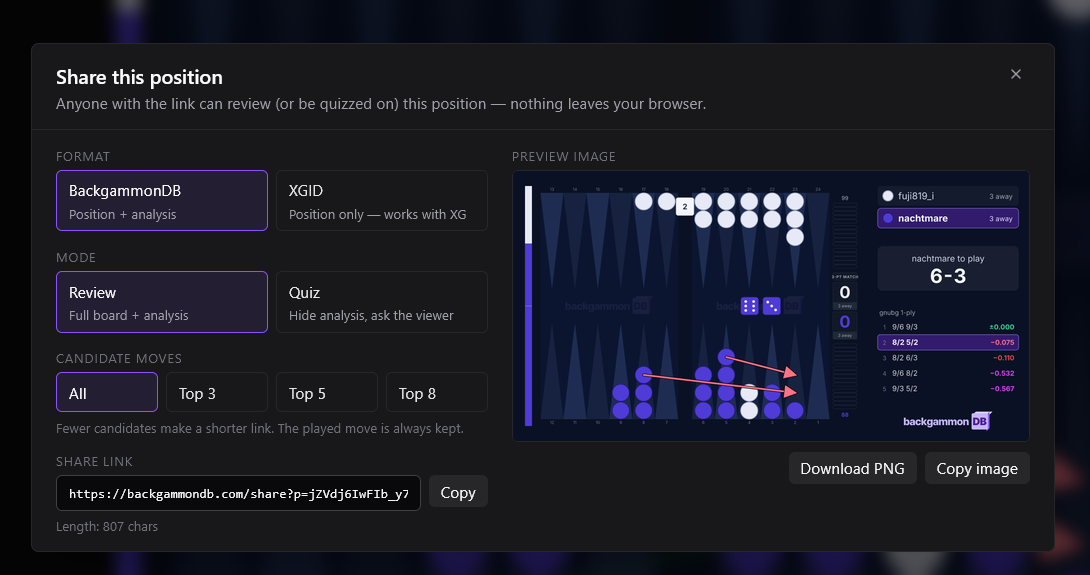
Copy the share link and paste it wherever you want to share it with friends, study partners or your coach: WhatsApp, Slack, Facebook, X (Twitter), Reddit and so on. The in-app link preview should now actually show the full position — with dice, match score and, if available, the top candidate moves and their error levels.
Obviously, they can still click through to view it on BackgammonDB — but now you get a handy preview of what you're looking at before you even click.
If you don't want to share a link, that's fine too: you can just share the image itself. You'll instantly see a live preview of the image right there on the share screen. That's just a normal PNG image file! You can right-click and save the image, or use the Download PNG and Copy image buttons below it.
Here's an example of the above position, with a copy of the preview in Quiz mode, so there's no hint of what the right move is (or indeed, what sort of mistake our hero made!)
One privacy note: to draw the preview, the position and the player names in a share link go to our server when someone opens it. They're kept in memory only and never logged. See the privacy notice (https://backgammondb.com/privacy) for more details.
Review your matches with BackgammonDB.
Import your backgammon matches, analyze positions, find your blunders, and quiz yourself on the positions you got wrong. Free, no account required.